
A CMS, short for content management system, is software that lets you build and run a website without writing a single line of code. You log into an admin interface, you add your text, your images and your pages much like you would in a word processor, and the CMS takes care of displaying everything correctly for your visitors. WordPress, Shopify and Wix are among the best known, and the right choice depends mostly on the kind of site you want to build and the budget you’re ready to spend on it.
What is a CMS, exactly?
A CMS is the tool that separates managing your content from the technical side of your site, so you can edit your own pages without going back to a developer for every change. It’s the difference between a site you’re stuck with and a site you actually control.
Picture the site as two separate spaces that never mix. There’s the visible part, the one your customers see when they type your address into their browser: your pages, your photos, your text, your contact form. And there’s a private space, protected by a username and a password, that you log into to manage everything. Inside that admin area you write an article, change the price of a product, add a new page or swap out a photo, then you click publish and the change appears online a few seconds later. You never need to touch the code that makes the site run.
Before CMS platforms existed, every page of a website was a file written by hand by a developer, and the smallest correction, even changing a phone number, went through that person. The CMS put an end to that dependence by handing writing and layout to people who aren’t programmers. That autonomy is why the vast majority of sites you visit today run on a CMS, from the personal blog to the site of a large retailer.
How does a CMS work?
A CMS works by keeping your content and the look of your site in two separate compartments, then assembling them automatically every time a visitor opens a page. This principle of separation is what makes the tool so flexible.

Your content, meaning your text, your headings, your images and your product information, is stored in a database, a kind of large, organised digital filing cabinet. The look is defined by a theme, also called a template: it decides the colours, the fonts, the layout of the menus and where each element sits on the page. When a visitor requests a page, the CMS fetches the right content from the database, dresses it with the theme, and sends a complete page back to the browser. So you can change the entire design of your site by installing a different theme, without rewriting a single one of your texts, because the content was never mixed into the appearance.
A quick example makes it real. Say you run a restaurant and your opening hours change for the summer: you log in, you open the relevant page, you type the new hours, and you click update, and every visitor then sees the correct times a moment later, on a computer or a phone, without anyone having to touch the design or call a developer.
This mechanism brings two very concrete benefits day to day. First, consistency: when you create a new page, it automatically takes on the same style as the others, without you having to copy the formatting. Second, working as a team: a CMS handles accounts with different rights, so one person can write articles while another validates orders, each with their own access. Most CMS platforms add ready-made features on top, such as an internal search engine, comment management or tools to rank better on search engines, all switched on without any development.
What are the different types of CMS?
There are three big families of CMS, and the main distinction comes down to how the software is hosted and how much freedom it leaves you. Understanding these families keeps you from locking yourself into a tool that doesn’t match your project.

The first family covers hosted platforms, also called turnkey or SaaS solutions. With Wix, Squarespace, Shopify or Webflow, everything comes in a single subscription: the software, the hosting, the security and the updates are all handled by the company that makes the tool. You focus only on your content, in exchange for a monthly fee and slightly more limited freedom, since you stay inside the technical framework the provider decided on.
The second family gathers open source platforms that you install yourself. WordPress, Joomla, Drupal and PrestaShop are free programs that you download and set up on hosting of your choice. You become the owner of your installation, with almost total freedom over the design and the features, but you also inherit the responsibility for hosting, backups and security updates, whether you handle them yourself or hand them to a provider for the ongoing maintenance of your site.
The third family, more recent and more technical, is the decoupled one, often called headless. Here the CMS only stores and organises the content, without imposing any look, and that content is then displayed by a website or an app built separately. This approach mainly interests projects where the same content has to feed a site, a mobile app and other channels at once. For a showcase site or a standard store, it’s rarely needed.
What are the most used CMS platforms?
WordPress dominates the CMS market by a wide margin, followed at a distance by tools that specialise in online selling and no-code building. Knowing the real market shares helps you pick a tool whose community and resources aren’t going to fade away.

According to W3Techs figures from August 2026, WordPress runs 41.2% of all websites and represents 59.1% of the CMS market, a position with no equal that explains the huge choice of themes, extensions and professionals available around it. Shopify comes next with 5.3% of sites, carried by online stores, ahead of Wix at 4.3% and Squarespace at 2.5%, two tools people like for building a site without any technical skills. Joomla, Webflow and Drupal round out the picture with smaller shares but well-defined uses. Around 30.4% of sites use none of the tracked CMS platforms at all, which often means they were built entirely from scratch by a developer.
| CMS | Share of websites | Best for |
|---|---|---|
| WordPress | 41.2% | Showcase sites, blogs, content sites |
| Shopify | 5.3% | Turnkey online stores |
| Wix | 4.3% | Small sites built without code |
| Squarespace | 2.5% | Design-led sites, portfolios |
| Joomla | 1.2% | Community sites, portals |
| Webflow | 0.8% | Custom designs without coding |
| Drupal | 0.7% | Large, complex institutional sites |
These numbers tell a simple story. A CMS being popular isn’t just a matter of fashion: the more widespread a tool is, the easier it is to find a theme suited to your line of work, a professional who knows it well, or an answer to a problem on a forum. Popularity also shapes your safety net, because when thousands of businesses run the same tool, security holes get spotted and patched faster, and you’re never the only person who has hit a given problem. It’s a factor you shouldn’t overlook, especially if you plan to grow your site over several years.
Which CMS should you choose for your project?
The right CMS is the one that matches the kind of site you want to build, not the one with the longest list of features. Always start from your real need, then pick the tool, never the other way around.
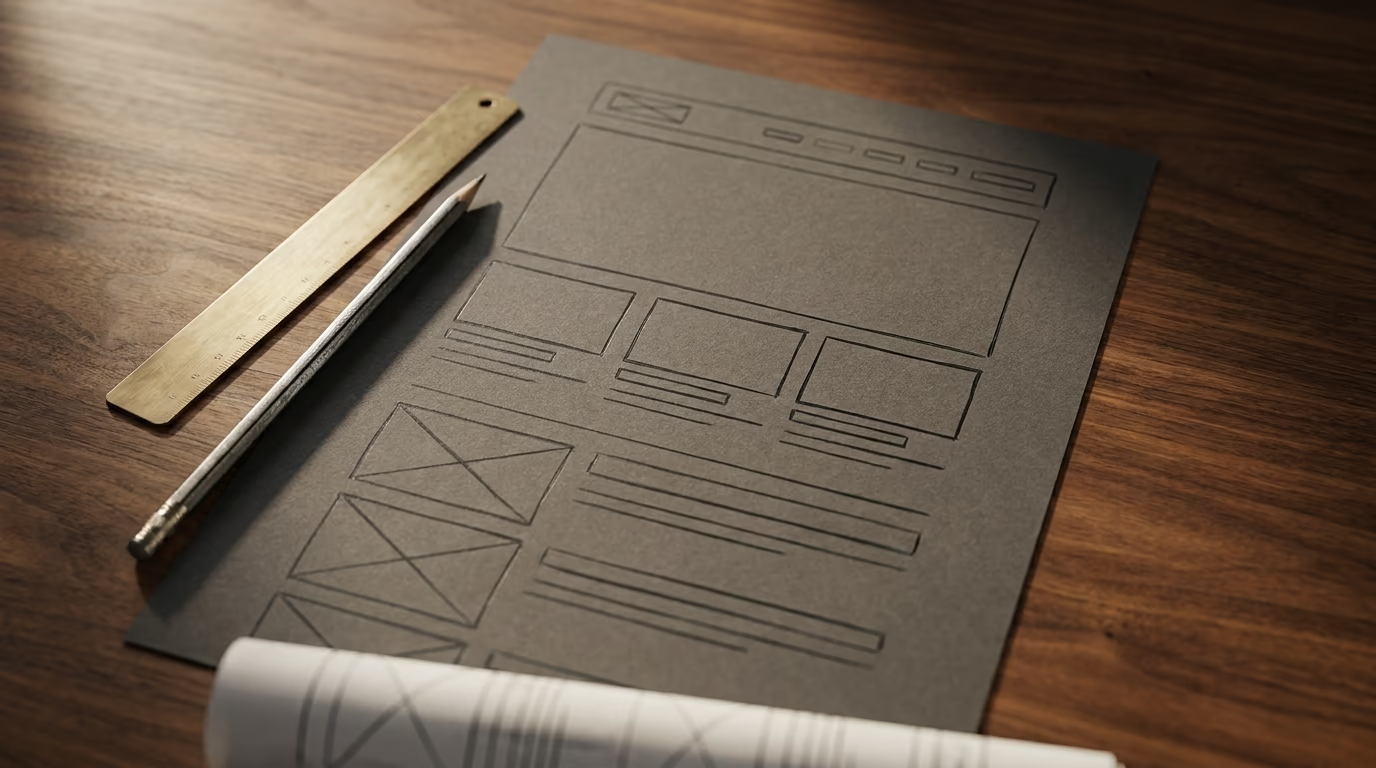
If you want a showcase website that presents your business, your services and your contact details, maybe with a blog to publish regularly, WordPress stays the safe bet thanks to its flexibility and the sheer number of professionals who know it. For a simpler site you’re building entirely on your own, without any intention of getting into the technical side, Wix or Squarespace will save you time with their ready-made templates. If design matters enormously to you and you want a very tailored result without writing code, Webflow holds a place of its own and appeals to a lot of creative studios.
If your project is an online store, the question changes. Shopify is designed end to end for selling: product management, payments, shipping and order tracking are built in and work fast, which makes it the shortest path to start taking money. WordPress paired with WooCommerce, or PrestaShop which is very common in Europe, gives you more control over the catalog, the design and the selling rules, in exchange for a slightly heavier setup and upkeep. For a very large site with special needs, complex multilingual content or bespoke business rules, a CMS like Drupal or a decoupled approach can be justified, but those are cases that almost always call for a developer alongside you.
One mistake comes up again and again: choosing an oversized tool out of fear of running short on features later. A craftsman who simply wants to be found online doesn’t need the same machinery as a retailer selling thousands of items. Starting light and growing the site when the need actually shows up almost always costs less than running an overbuilt system from day one.
It’s also worth remembering that no choice is truly final. Moving from one CMS to another later is possible, even if it takes some work, so you don’t have to get the decision perfect on the first attempt, only reasonable for where your business stands today. That takes a lot of pressure off the initial pick, and it means you can commit to a tool, learn it properly, and revisit the question in a couple of years with real usage behind you rather than guesses.
How much does a CMS cost?
A CMS costs either a fixed monthly subscription, or nothing for the software itself but several side expenses people often forget to count. The advertised price never tells the whole truth, and that’s exactly where the bad surprises hide.

With a hosted CMS, the bill is easy to read since everything is included in the subscription. Webflow starts around 15 dollars a month, Wix offers plans from roughly 17 to 159 dollars a month depending on your needs, and Shopify begins near 39 dollars a month to sell online. These amounts, billed in dollars or euros depending on the country, come out to a few dozen francs a month, sometimes with a commission on each sale for stores. The upside is peace of mind: you pay a single line and the provider takes care of the rest.
With an open source CMS like WordPress, the software is free, but the real budget sits elsewhere. You need hosting, often a few dozen francs a year for a small site, a domain name that renews at roughly fifteen to twenty francs a year, a theme that’s sometimes paid, and regularly one or more extensions to add specific features. On top of that comes the time, or the cost, of updates and security, because a site you don’t maintain becomes vulnerable, and a small monthly upkeep contract is often money well spent for a business that can’t afford downtime. In the end, a well-kept WordPress site can work out cheaper than a monthly subscription over several years, provided you accept some technical upkeep. If you want the full picture of a website budget, from the start through the maintenance, my article on the price of a website breaks down each item in francs.
So the cost question never stops at the price of the CMS. A free tool that forces you to spend a day a month fixing problems isn’t free, and a slightly pricier subscription that saves you that time can be the better choice for your business. The right calculation includes what your time is worth.
CMS or custom website: which should you choose?
A CMS fits the vast majority of projects, and a fully custom website is only justified when your need genuinely falls outside the framework the platforms offer. The real question isn’t which one is better in the abstract, but which one best serves your goal.
After spending years building a WordPress theme installed on more than 500,000 sites, then designing custom websites for businesses, I can tell you the line is clearer than it looks. A CMS saves you real time and a meaningful budget because it hands you a base that’s already built: publishing, user management and standard features already exist, and you fill them with your content. For a showcase site, a blog or a standard store, it’s almost always the sensible choice, and wanting to redevelop everything from scratch would mean reinventing a wheel that already rolls very well.
Custom work makes sense when the CMS framework becomes a constraint rather than a help. That’s the case when you need a very particular browsing experience, a business logic nothing offers out of the box, extreme performance, or a deep integration with your own management tools. A CMS stuffed with extensions to get close to a very specific need sometimes ends up costing more, in money and in fragility, than a clean build from the start. There’s also a middle path, a site built on a CMS but deeply customised by a professional, which keeps the day-to-day simplicity of management while moving away from the standard templates. If you’re torn between these options for your project, that’s exactly the kind of trade-off I work through when building a custom website, starting from your real need rather than from a tool decided in advance.
Where to start to choose well
Choosing a CMS comes down to answering three questions in order, before you even look at a single tool. What kind of site do you want, a showcase site, a blog or an online store? How much time and what skills can you devote to running it once it’s live? And what budget, not just at launch but over three years, can you put into it counting the hosting and the upkeep? With those three answers in mind, the list of possible CMS platforms shrinks on its own, and the right candidate often becomes obvious.
If you’re just getting started and you want to understand every step before you dive in, my guide to creating a website walks through the full path, from the domain name to going live. And once your site is built, whichever CMS you picked, remember its ranking on Google, because the best tool in the world is useless if nobody finds your pages. If you’d rather hand this choice and its execution to someone who’s been building websites for sixteen years, let’s talk about your project: the right CMS for you is the one that saves you time for years, not the one that ticks the most boxes on a brochure.